Fougito
info@fougito.com
Office No. 606, City Avenue, Port Saeed, Dubai, United Arab Emirates
Dubai, Dubai,
50819
United Arab Emirates
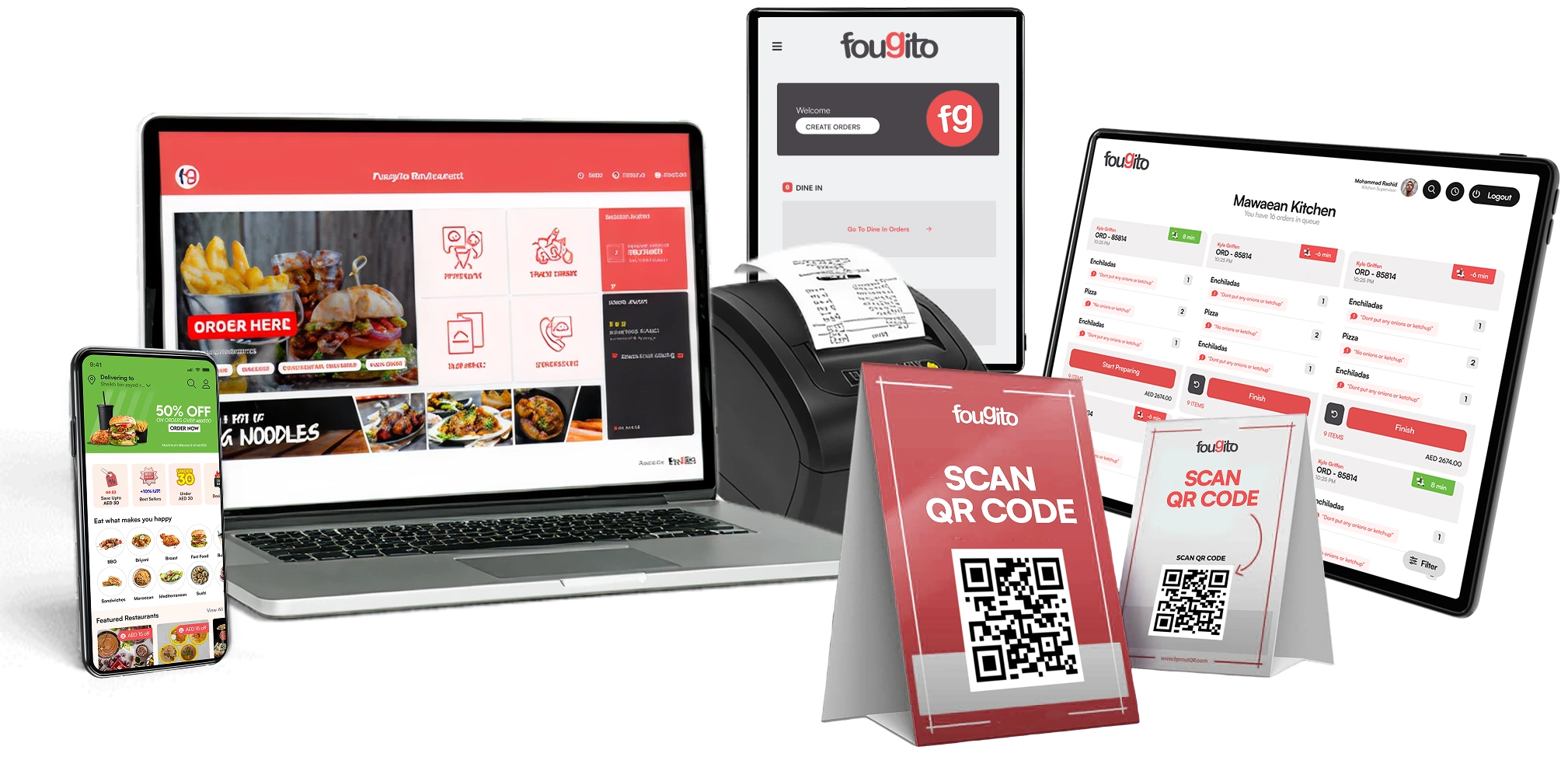
Food & Beverages
19 Aug 2026
Admin
A point-of-sale (POS) system is the place where a customer completes a purchase and makes a payment. In a restaurant, that can mean paying at the counter, settling the bill at the table, or completing an order through a digital channel. Behind that simple transaction, a POS system can handle much more, including orders, payments, receipts, and sales records.
Traditional POS setups often depend on physical equipment such as terminals, receipt printers, cash drawers, and other hardware. These systems can still work well for some businesses, but restaurant owners today are also looking for more flexible options that give them access to information beyond the counter.
This is where a cloud-based POS can make a difference. Instead of keeping everything tied to one physical location, it allows important business information to be stored and managed online. The right system can also be adjusted to the size and needs of the restaurant, whether it is a small café, a busy casual dining outlet, or a business with several locations.
Restaurant operations are becoming more connected. Customers expect quick ordering and convenient payments, while restaurant owners want a clearer view of sales, inventory, and daily performance. At the same time, managers may need to check what is happening at their restaurant without being physically present at the counter.
A cloud-based point of sale helps bring these moving parts together. Since the system works through the internet, authorised users can access information from supported devices rather than relying only on a single terminal at the restaurant.
The flexibility is particularly beneficial for restaurants that employ digital menus, QR ordering, online ordering, or multiple payment methods. It can also help to ensure that information is more easily kept up to date throughout different divisions of the business.
For restaurants looking to make their operations more connected in 2026, a cloud-based POS system can provide a practical way to bring everyday tasks into one place.
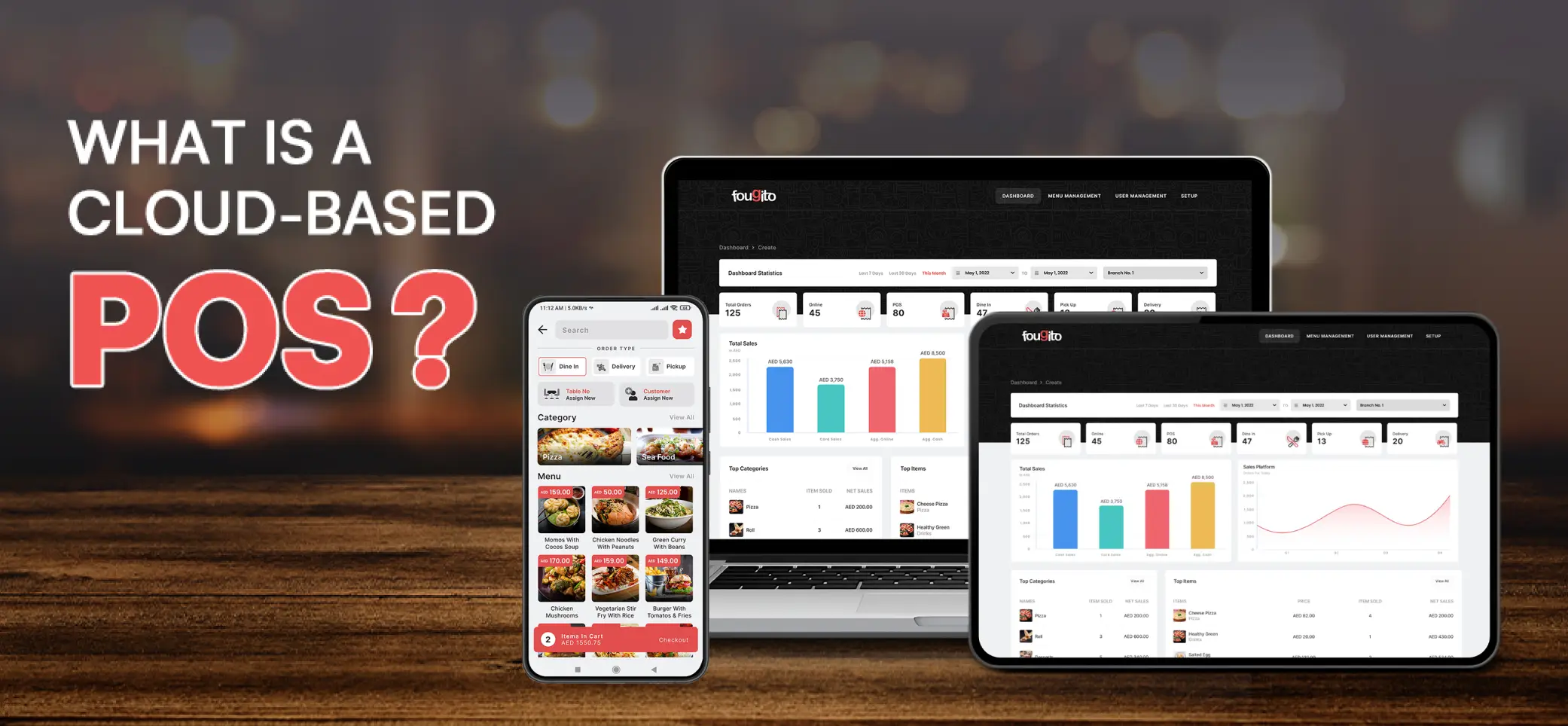
A cloud-based POS system is an online platform that helps businesses process sales while managing other parts of their operations. Instead of keeping all of the system's information on a local computer or server at the restaurant, data is stored on remote servers and accessed through the internet.
The biggest advantage is accessibility. An authorised manager does not necessarily have to stand beside the POS terminal to check business information. They can use a supported device to review the information available through the system, subject to the provider's access and security settings.
This is one reason cloud-based POS software has become a useful option for modern F&B businesses that want more flexibility in how they manage their operations.
The main difference between a traditional POS and a cloud-based point of sale is where the system's data and software are managed.
A traditional setup may depend heavily on equipment and systems located at the restaurant itself. A cloud-based setup uses internet-connected services and remote servers, allowing authorised users to access the system through supported devices.
This does not imply that a cloud POS eliminates the requirement for hardware. Depending on the setup of the restaurant, terminals, printers, cash drawers, card machines, kitchen equipment, or other terminals or devices may be used. The difference is that the underlying software and data can be controlled via the cloud.
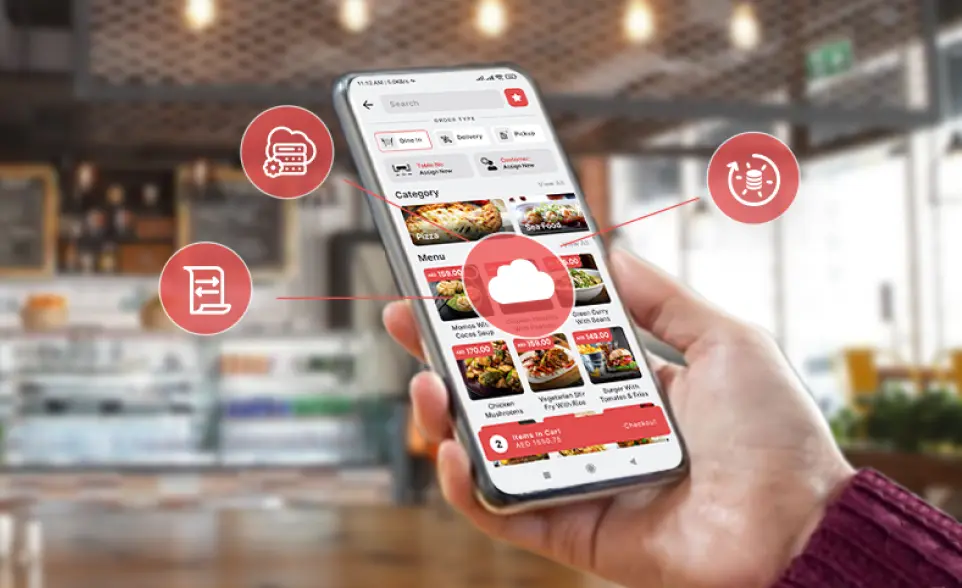
The idea of cloud technology can sound complicated, but the basic process is fairly simple.
A POS system connects the restaurant's POS devices and software to online servers. When a staff member enters an order or completes a transaction, the relevant information is processed through the system and stored in the cloud.
The system will then be updated and authorised devices will have access to this information. This means that each part of the restaurant doesn't need to use different records, as there is a shared flow of data.
Data storage is an important part of any Smart POS System. Instead of relying only on a local computer, a cloud setup stores relevant business information on remote servers managed as part of the service.
For a restaurant, this information can include sales records, inventory details, order information, and customer data, depending on the features provided by the POS platform.
The benefit is that authorised users can work with current information without having to manually move files between different devices. It can also reduce the need for restaurant teams to manage their own local server infrastructure.
One of the useful features of a cloud-based POS system is data synchronisation.
When a transaction or other update is recorded, the information can be shared across connected parts of the system. This means restaurant managers and staff can work with more current information instead of relying on yesterday's sales figures or manually updated stock sheets.
Imagine that a popular dish sells out during a busy dinner service. If inventory and ordering tools are connected properly, the restaurant team can see the change and update the menu or availability instead of continuing to accept orders for something that is no longer available.
A cloud-based POS works by connecting transactions and restaurant operations through the internet. Whether you operate a small café or manage multiple outlets, the system can provide a central place for the information handled by the POS.
This can be particularly useful when a restaurant has several connected sales channels. Orders may come from the counter, tables, QR menus, online ordering, or other supported channels. Instead of keeping separate records for each one, an integrated POS can bring the information together.
The result is a more organised workflow for staff and managers. Customers can get a smoother ordering and payment experience, while restaurant teams have a clearer view of what needs to happen next.
A cloud POS is not simply about moving a cash register online. Its value comes from the different tools that can work together within one system.
Keeping track of ingredients is one of the everyday challenges for an F&B business. Too much stock can lead to waste, while too little can leave popular dishes unavailable.
A cloud-based POS can assist restaurants in tracking inventory levels and associating sales with inventory. Information can be updated as items are sold, providing clarity for managers on what's being used.
This can help restaurant teams plan purchases, spot low-stock items, and make better decisions about their menus.
For businesses interested in a Sustainable POS Solution, better inventory visibility can also support efforts to reduce unnecessary food waste. It does not automatically eliminate waste, but having more accurate information gives managers a stronger starting point for controlling it.
Running a restaurant based only on guesswork can make it difficult to know what is actually working.
A cloud-based POS system can collect sales information and turn it into reports that help restaurant owners understand their business. Depending on the system, reports may show sales performance, popular items, busy periods, payment activity, and other useful information.
These insights can help answer practical questions. Which dishes are selling the most? When does the restaurant get busiest? Are certain offers bringing customers in? Which products are not performing as expected?
Instead of making every decision based on assumptions, restaurant managers can use available data to make more informed choices about menus, staffing, promotions, and daily operations.
Good food may bring customers through the door, but understanding their preferences can help encourage them to return.
A mobile pos system can support customer management by keeping useful information such as order history and preferences, depending on the features included in the platform.
This data can be useful for restaurants to learn more about their buying habits and develop more relevant customer experiences. For instance, if a restaurant knows which dishes are commonly ordered, they can make specific offers or suggestions for dishes that are likely to appeal to customers.
In 2026, customers interact with restaurants through more channels than ever, from digital menus to online ordering and loyalty programs. Having customer information connected to the wider POS setup can help restaurants keep those interactions more organised.
Mobility is one of the biggest reasons restaurants consider moving to a cloud-based POS.
Instead of being limited to one fixed workstation, authorised users can access supported POS functions from compatible devices. This can be useful for managers who need to check sales, review information, or oversee operations while moving around the restaurant or managing another location.
This can be particularly useful for groups of restaurants that have several locations. Depending on the access capabilities of the POS and the information available, a manager can access information from multiple locations without physically going to each location.
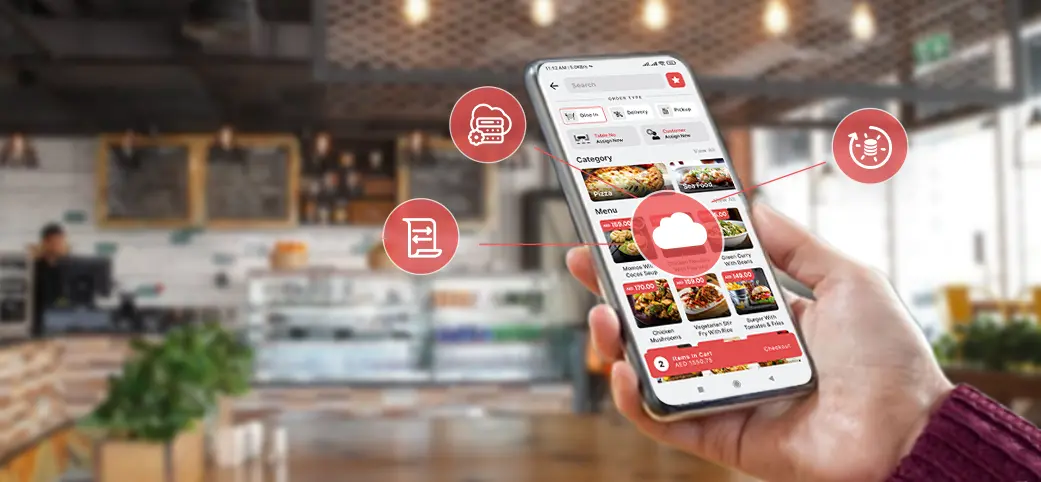
A mobile pos system can also support front-of-house teams by allowing orders to be entered closer to the customer, reducing unnecessary trips between tables and the main counter.
Customers today have different preferences when it comes to paying for their meals. Some prefer cash, while others use cards, mobile wallets, QR payments, or other digital options.
A cloud-based POS system can support multiple payment methods when those methods are integrated with the platform. Fougito's POS setup, for example, supports payment options including cash, card, partial payment, credit, QR code, and aggregator payments.
Giving customers more ways to pay can make the final part of the dining experience simpler. For restaurant teams, having payment activity connected with the POS can also make it easier to keep transaction records organised.
The key is choosing a POS that supports the payment methods your customers actually use and that fits naturally into your restaurant's existing workflow.
A cloud based POS system can make restaurant operations easier without requiring a large investment in traditional hardware. Instead of keeping everything tied to one machine, businesses can access their system through connected devices and manage important tasks from different locations.
One of the biggest reasons restaurants are moving towards a cloud-based point of sale is the flexibility it offers when it comes to costs.
Traditional POS setups often require businesses to invest in several pieces of hardware before they can even start using the system. A cloud-based setup can reduce the need for heavy equipment and lets businesses choose the devices they actually need.
This can be especially useful for smaller restaurants, cafés, food trucks, and growing businesses that want to keep their initial costs under control. Instead of paying for a large setup that may not be needed, you can build your system around the way your restaurant actually operates.
Restaurant businesses do not always stay the same size. You may start with one location and later open another branch, add delivery, introduce online ordering, or change the way customers place orders.
A smart pos system can make these changes easier to manage because your technology can grow alongside your business.
For example, a restaurant with one location may only need basic sales and inventory tools. As it expands, it may need additional terminals, staff access, reporting tools, digital ordering, or multi-location management.
This flexibility is one of the main advantages of a cloud based POS. You are not locked into a setup that only works for your business today. You can adjust the system as your needs change.
Restaurant owners cannot always stay at the counter or sit inside the restaurant all day. There are suppliers to deal with, staff to manage, meetings to attend, and sometimes other locations to visit.
Remote access makes this much easier.
With mobile POS capabilities, managers can check important business information from a connected device without being physically present at the restaurant. Depending on the features available in the system, this can include checking sales, reviewing reports, updating menu information, or keeping an eye on day-to-day activity.
Restaurant POS systems deal with important information every day, from transaction records and sales data to customer and inventory details. That makes security an important part of choosing a POS provider.
The cloud-based POS solution can provide controlled user access, encrypted data transfers, data backups, and secure hosting. But security is also dependent upon the security of the provider, the setup, and the way your staff use the system.
For restaurant owners, the key is to choose a provider that takes data protection seriously and regularly maintains its platform.

Switching from an old POS setup to a new system does not have to happen overnight. A planned transition can make the process easier for both managers and employees.
Before choosing a smart POS, make a list of the tasks you want the system to handle.
Do you need better inventory tracking? Faster order processing? Mobile ordering? Digital payments? Multi-location reporting? Online ordering? Staff management?
Once you know what is causing problems in your current setup, you can compare POS systems based on those needs instead of choosing one simply because it has a long list of features.
After selecting the system, the next steps usually involve setting up the account, adding menus and products, transferring the required information, connecting devices, and testing the main functions before going live.
Even the best POS system will not help much if employees do not know how to use it.
Keep training practical. Show your team how to take an order, make changes, process payments, handle refunds, and complete the tasks they perform during a normal shift. It can also help to let employees practise before the system is fully introduced.
Ongoing support matters too. As new features are added or your restaurant changes its processes, staff may need additional guidance.
A cloud based POS system can be a strong fit for many restaurants, but it is not something you should choose without checking the practical side of things.
As cloud systems are dependent on connection, your restaurant must have a reliable internet connection. If there is a poor connection, it can cause normal operation to be interrupted, especially during periods of traffic.
Before you switch, investigate their internet provider's plans with regard to what they will do if the internet connection fails. Look to see if there's offline capabilities or back-up options for your restaurant that will keep your restaurant running.
Having a backup internet connection can also be useful for businesses where uninterrupted service is important.
Do not look at price and features alone. Ask how the provider protects your business data, who can access it, how backups are handled, and what security measures are in place.
It is also worth checking whether employees have different access levels. A cashier may not need the same permissions as a restaurant manager or owner.
These small checks can make a big difference when you are handling business and customer information every day.
Although cloud-based systems can reduce the need for large upfront hardware investments, they can still involve recurring subscription, payment processing, support, hardware, or add-on costs.
Before signing up, ask for a clear breakdown of what is included in the plan and what costs extra.
This is where proper restaurant cost analysis can help. Look at the full cost of the system alongside the time it can save, the tasks it can automate, and the problems it can reduce.
For restaurants looking for easier access to sales, orders, inventory, and reports, a cloud-based point of sale can be a practical choice.
In 2026, features like mobile ordering, digital payments, QR ordering, and online sales are becoming a regular part of restaurant operations. A mobile POS system also gives managers more flexibility to check and manage key tasks from different locations.
The right POS should fit your restaurant, simplify daily work, and give your team more control, not add to their workload.
A cloud based POS system is no longer just a tool for processing payments. It can bring together many of the tasks that keep a restaurant running, from sales and inventory to customer information and reporting.
The right system can help restaurants work faster, respond to changing customer habits, and manage operations with less dependence on traditional hardware.
However, the best choice will always depend on your restaurant's size, budget, staff, and daily needs. Take the time to compare features, security, support, scalability, and total costs before making a decision.
For businesses looking to modernise their operations in 2026, moving to a reliable smart POS system can be a practical step towards a more connected and flexible way of running a restaurant.